

Personal Finance Made Simple
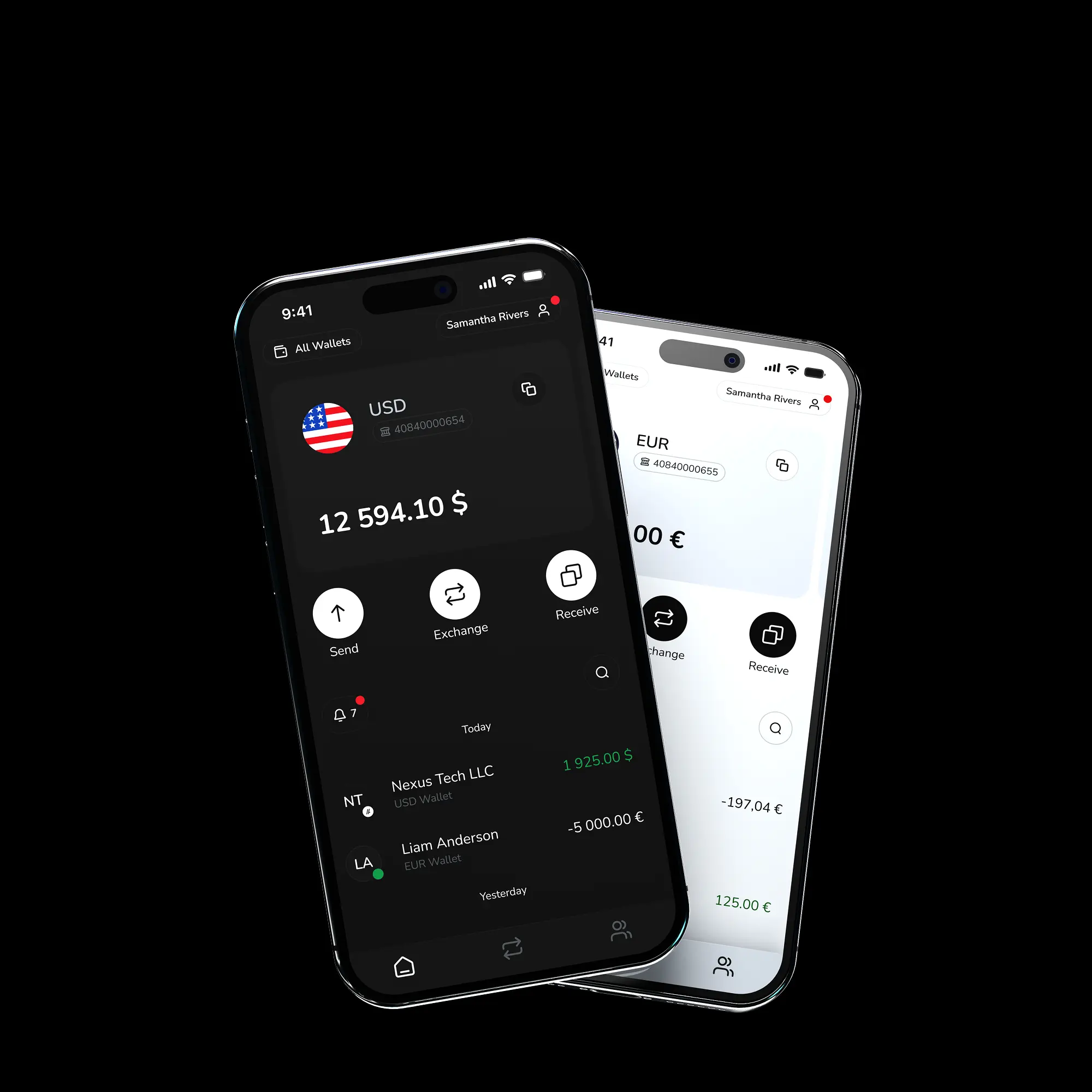
Receive or Send payments
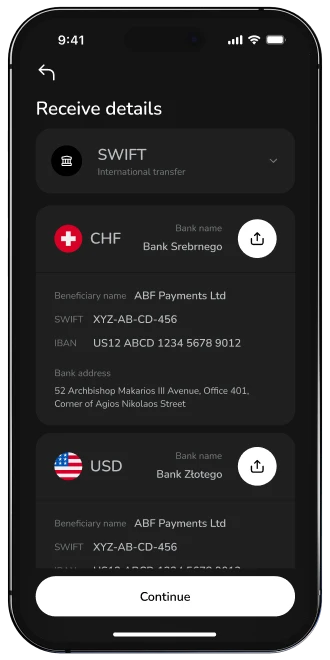
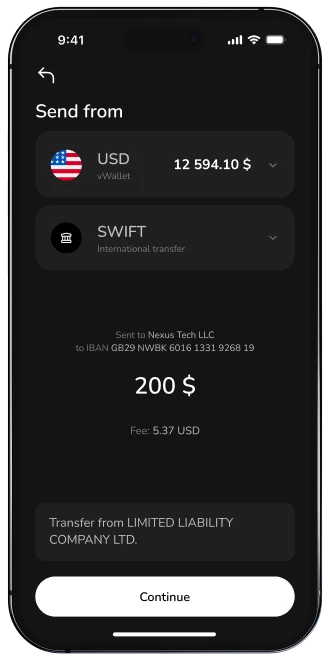
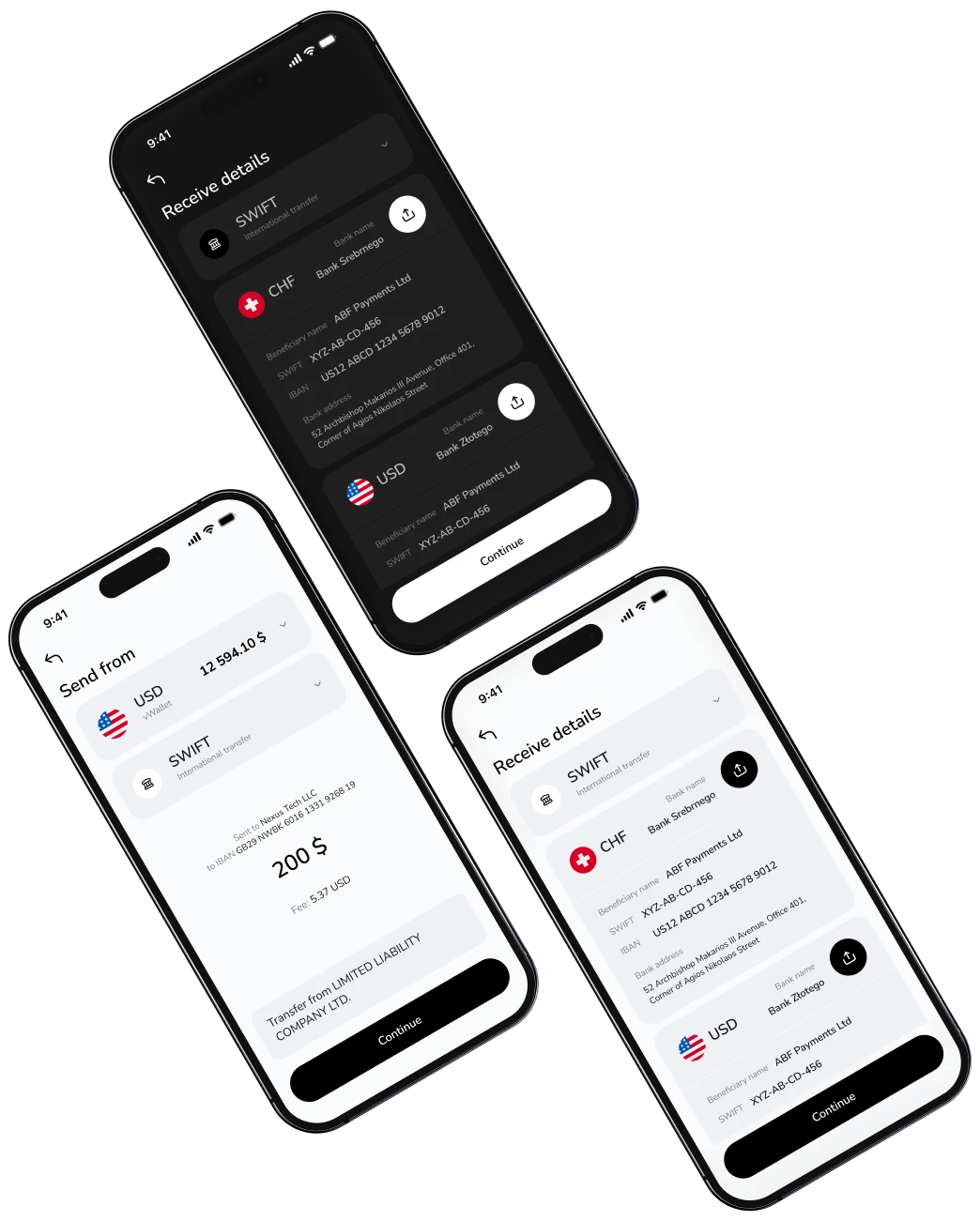
Expand your financial reach with our platform - accept payments in 37+ currencies from 200+ countries and send funds in nearly 70, using trusted networks like SEPA, SWIFT, and Faster Payments for fast, secure, and effortless transactions.
Make transfer
Receive or Send payments
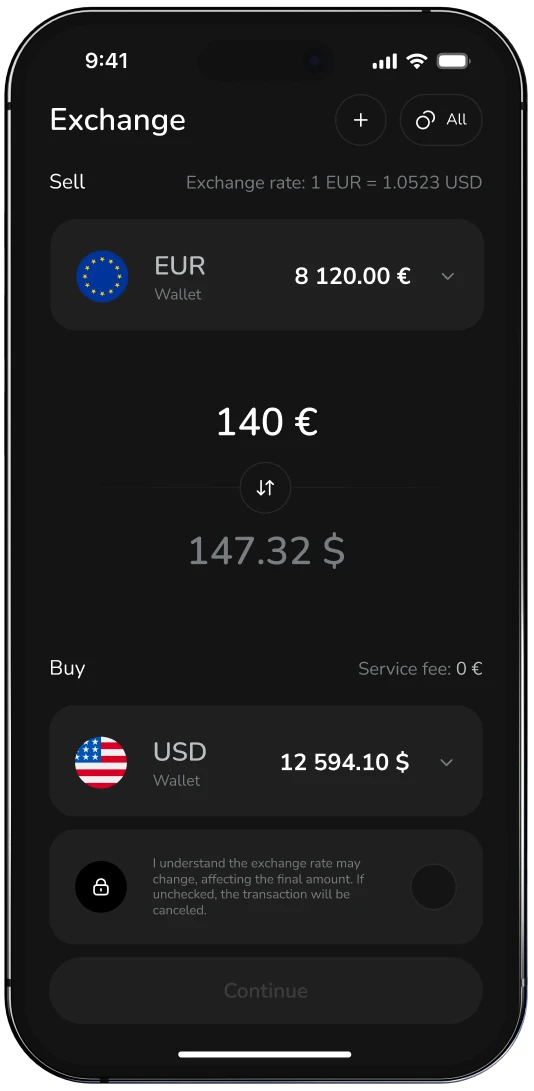
Currency exchange
Effortlessly convert currencies at mid-market rates with no hidden fees - our platform simplifies multi-currency management for global business, travel, and investments.
Exchange Now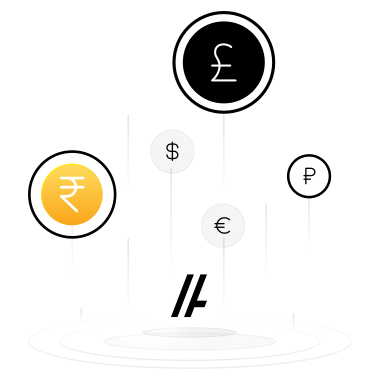
Currency exchange
Borderless vWallet
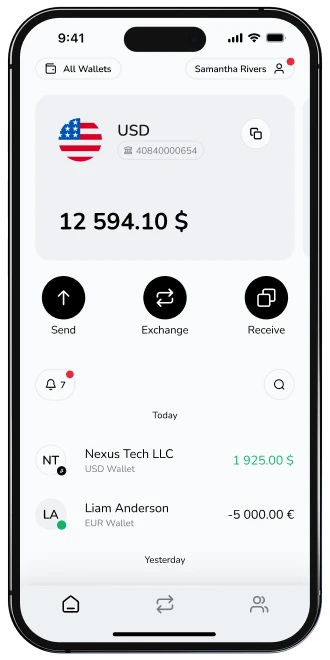
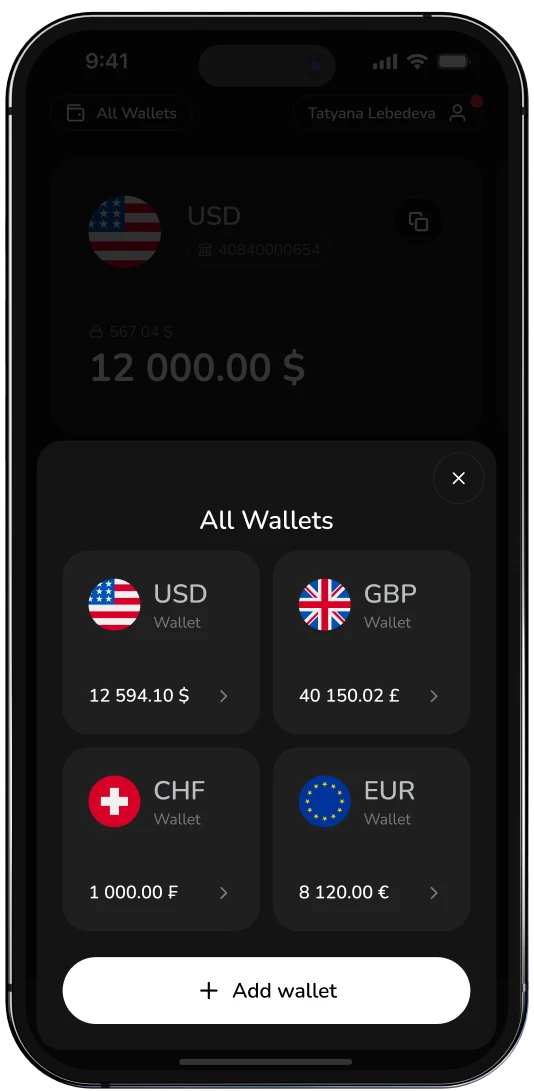
Experience true financial freedom with our Borderless vWallet - access and manage 10+ major currencies like EUR, USD, AED, CHF, CNY, and PLN in one place, for seamless global transactions without conversion hassles.
Create vWallet
Borderless vWallet
Business Finance Without Complexity
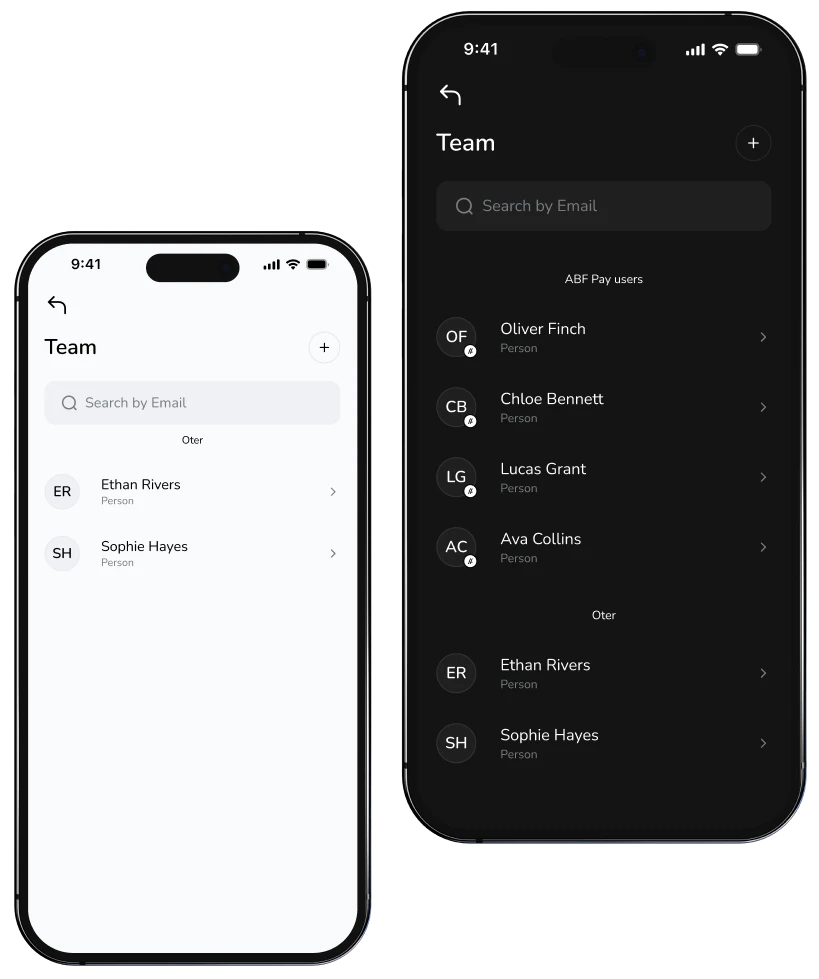
Delegate access. Empower your team.
Share financial tasks securely with your team through controlled vWallet access. Streamline workflows, boost productivity, and manage your business together.
Make transfer
Delegate access. Empower your team.
Sync with your accounting tools. Soon
Seamlessly connect to Xero, QuickBooks, FreeAgent, and more. Simplify financial workflows and focus on what matters - we handle the rest.
Exchange Now
Sync with your accounting tools. Soon

Payments: Batch and Schedule. Soon
Upload Excel or CSV files to send multiple transfers at once. Schedule future payments and stay on track - no deadlines missed, no manual hassle.
Create vWallet
Payments: Batch and Schedule. Soon
Industries that trust ABF Pay


Insights

 View more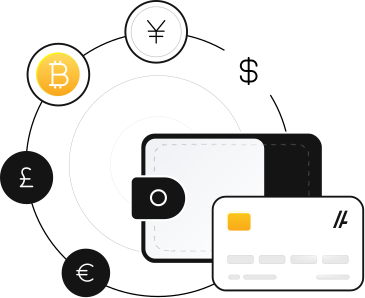
Operate your money across borders - smarter and faster.
Manage payments in 70+ currencies with one secure wallet.
Start NowFAQs
Opening an ABF Pay account takes about 10 minutes.
 Have more questions?
 Download the
ABFPay app now!
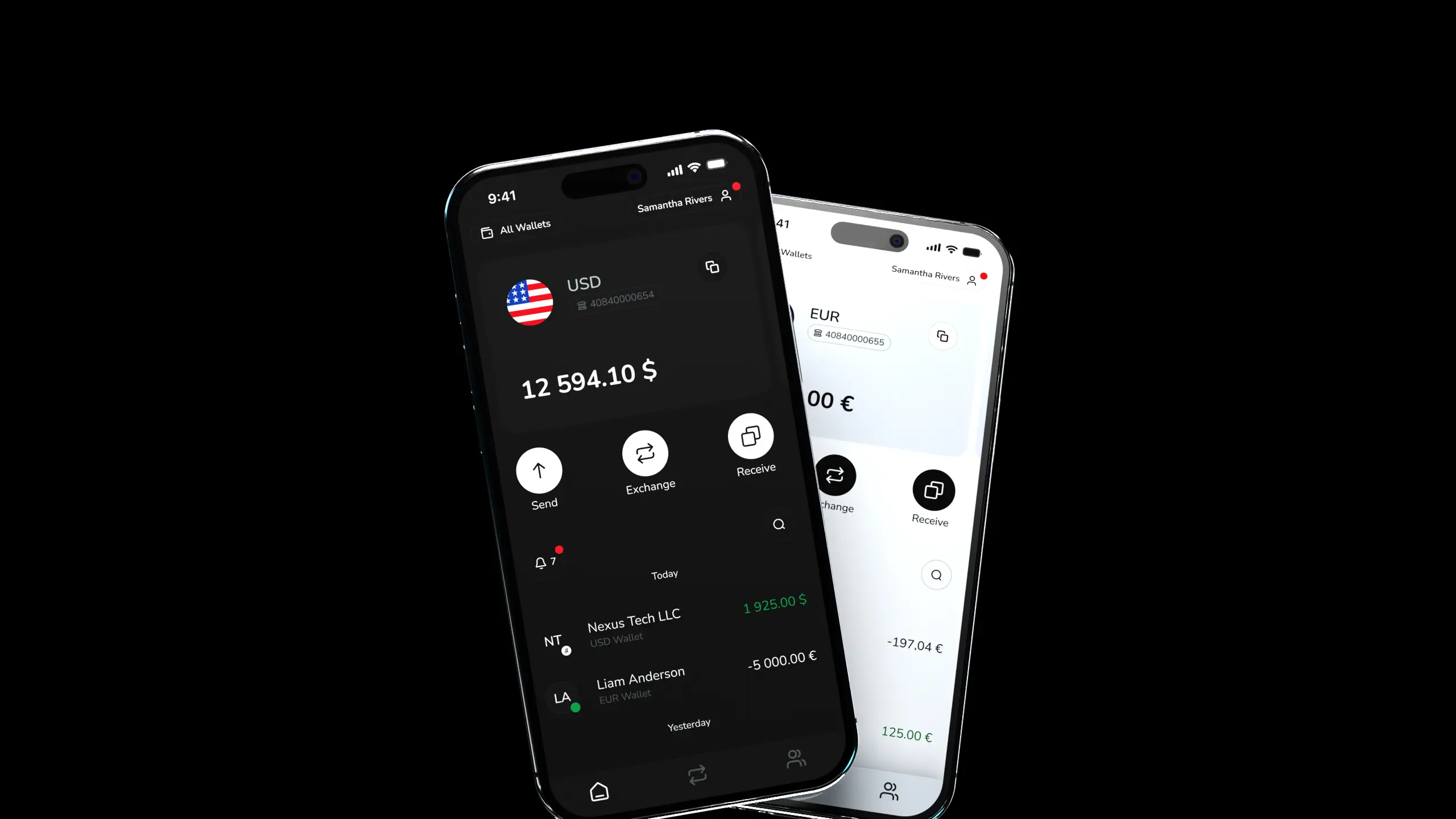
Experience the convenience of mobile payments!