Business Edge: Master Global Payments with Ease
We are your gateway to seamless international money transfers.


Unlock Your Multi-Currency
Business Finance Without Complexity
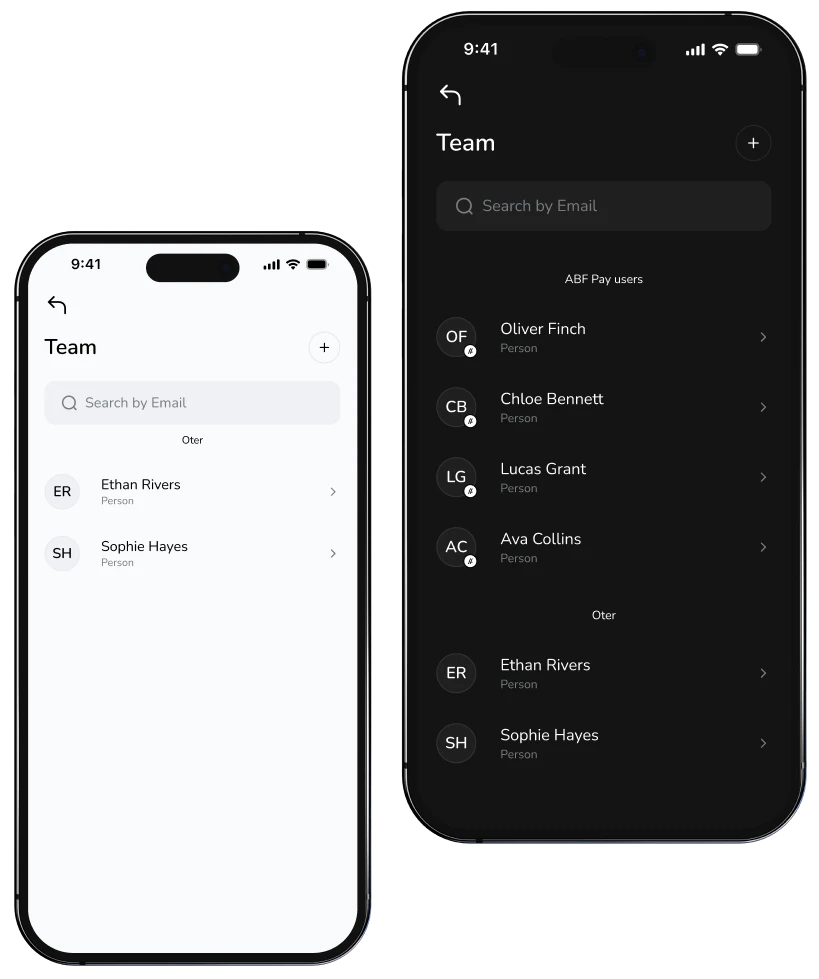
Delegate access. Empower your team.
Share financial tasks securely with your team through controlled vWallet access. Streamline workflows, boost productivity, and manage your business together.
Make transfer
Delegate access. Empower your team.
Sync with your accounting tools. Soon
Seamlessly connect to Xero, QuickBooks, FreeAgent, and more. Simplify financial workflows and focus on what matters - we handle the rest.
Exchange Now
Sync with your accounting tools. Soon

Payments: Batch and Schedule. Soon
Upload Excel or CSV files to send multiple transfers at once. Schedule future payments and stay on track - no deadlines missed, no manual hassle.
Create vWallet
Payments: Batch and Schedule. Soon
FAQs
Opening an ABF Pay account takes about 10 minutes.
Creating an ABF Pay business account is simple and can be done remotely. To start the process, log in with your verified Personal account, click on your profile name and then the “Open a Business account” button. After filling out a registration form, you will be asked to submit your entity’s legal documents. They will be reviewed by our Compliance department. This step can take up to 10 business days. In some cases, we may ask you to provide additional information in order to complete the procedure in accordance with regulatory requirements.
To verify your business profile submit the documents requested via the Business profile Client office. They will be reviewed by our Compliance department. This step can take up to 10 business days. In some cases, we may ask you to provide additional information in order to complete the procedure in accordance with regulatory requirements.
Document for corporations and other entities verifying existence thereof is registry extract from the Company registers, containing the following information:
Verification of a business account can take up to 10 business days.
A virtual wallet, also known as an e-wallet or digital wallet, is a digital tool that acts as your secure and convenient all-in-one solution for managing your payment methods and making financial transactions. Think of it as a digital version of your physical wallet, but with added features and convenience
Download the
ABFPay app now!
Experience the convenience of mobile payments!


